
Health Connector Toolbox
Health Connector Toolbox is a private, on-device health-data inspector. Choose which data it can access, browse records from Apple Health or Health Connect, view summaries, add entries, and delete entries created by the app.
The optional Developer Tools mode exposes technical details for the same flows, including permission state, mapped record metadata, supported aggregations, and incremental sync behavior. It never expands the permissions you select.
The public mobile app does not collect or transmit health data. Read the Toolbox privacy policy.
Install the app
The iOS app is available free on the App Store. Use it to explore the SDK on a real device without first creating a Flutter project:
Download Health Connector Toolbox on the App Store
Android: The Google Play release is in progress and coming soon. Until it is available, run the Android version from source.
Support
Email fam.tung.lam@gmail.com for installation, privacy, or app-support questions. Do not email health records or screenshots containing health data.
Use the public Health Connector SDK issue tracker only for non-sensitive bug reports. Remove health values, record identifiers, dates, and device names before posting logs.
Developer source and SDK diagnostics
The source version demonstrates every Health Connector SDK operation against a real device on both platforms. Use it to compare your integration with a known working flow.
Run the source version
git clone https://github.com/fam-tung-lam/health_connector.git
cd health_connector/examples/health_connector_toolbox
flutter pub get && flutter run
The source project is not a reference architecture
The public app is a personal health-data inspector. Its optional Developer Tools mode and source project also exercise the SDK during development. For production integration patterns, use the app recipes.
What it demonstrates
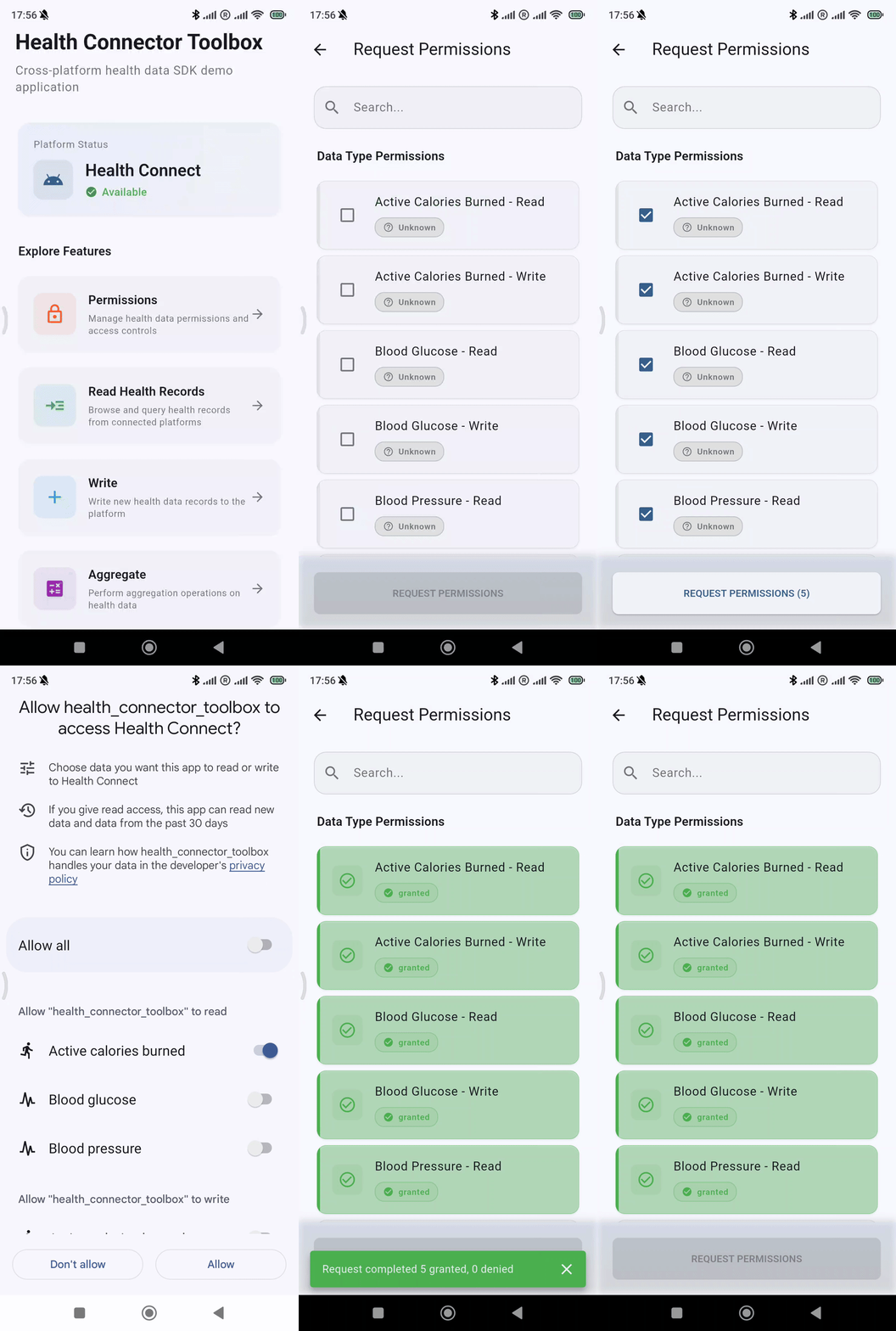
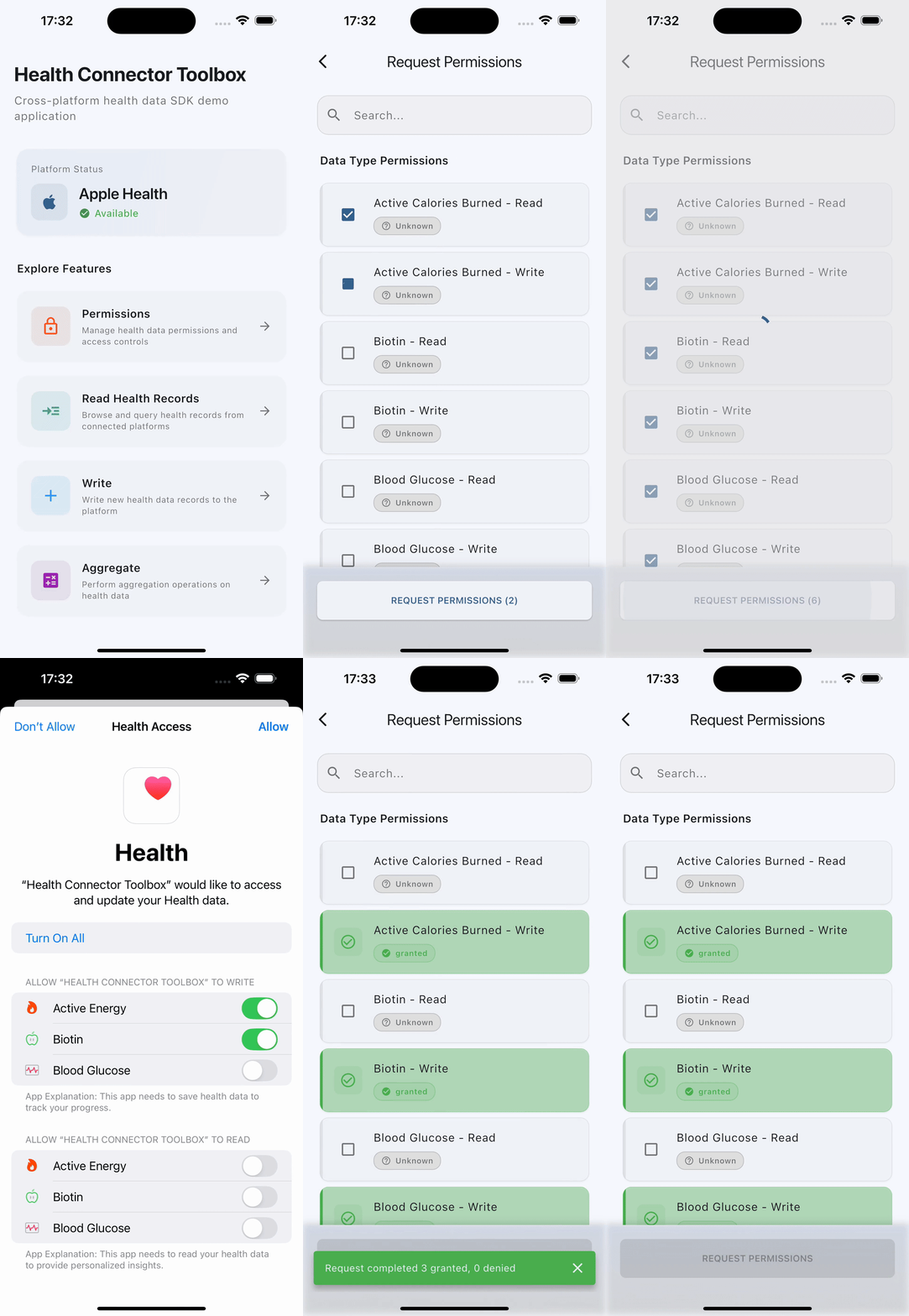
Request permissions
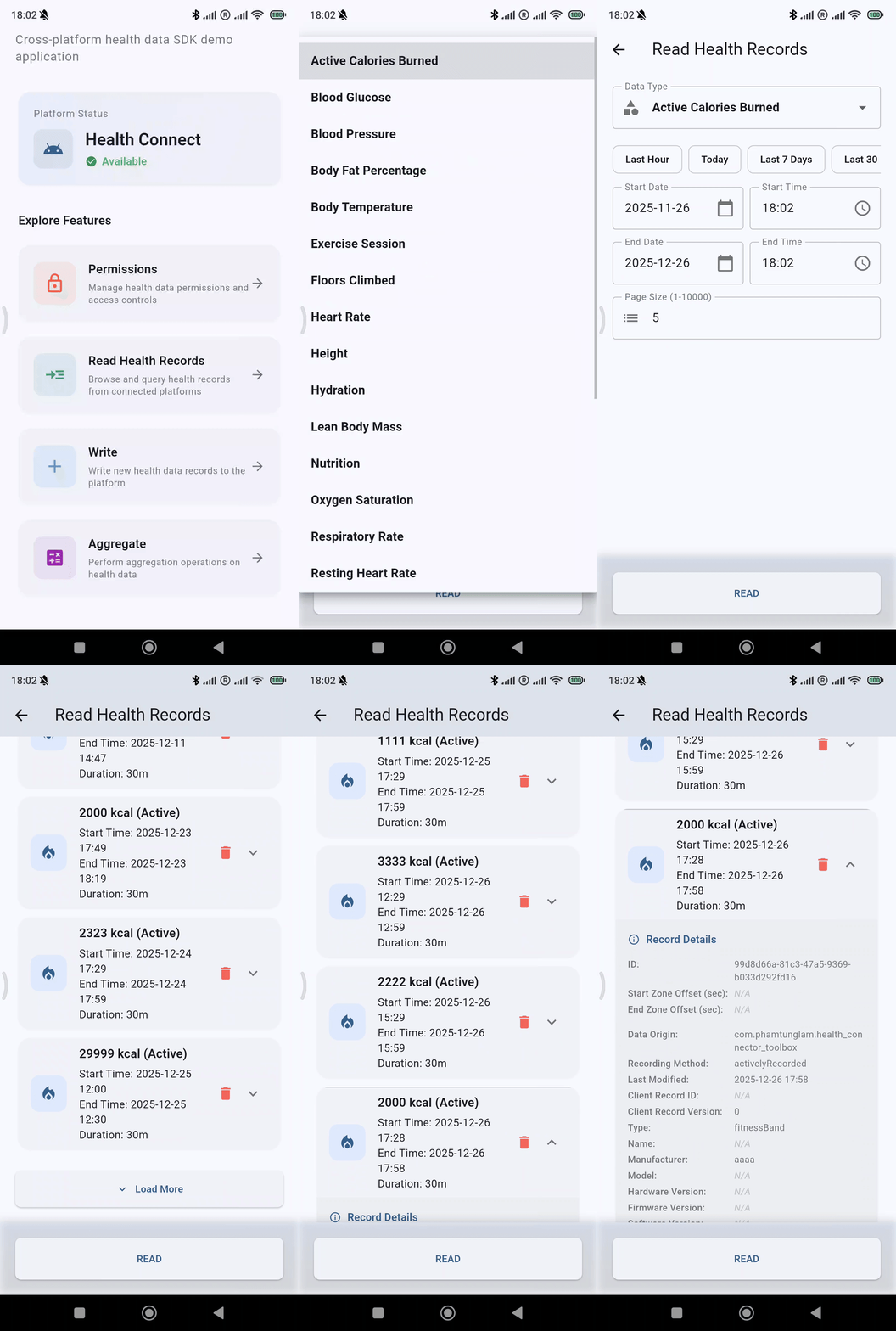
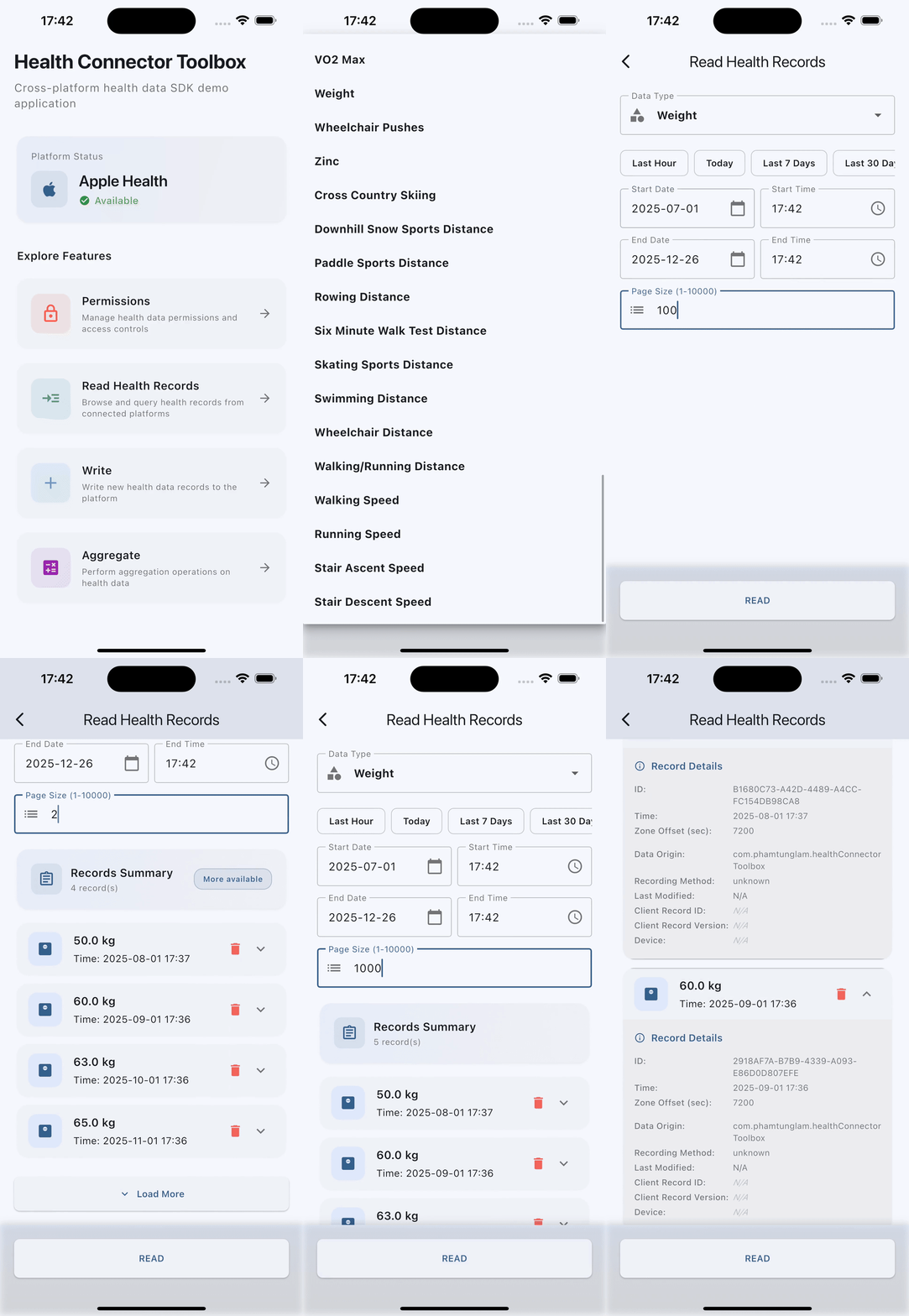
Read data
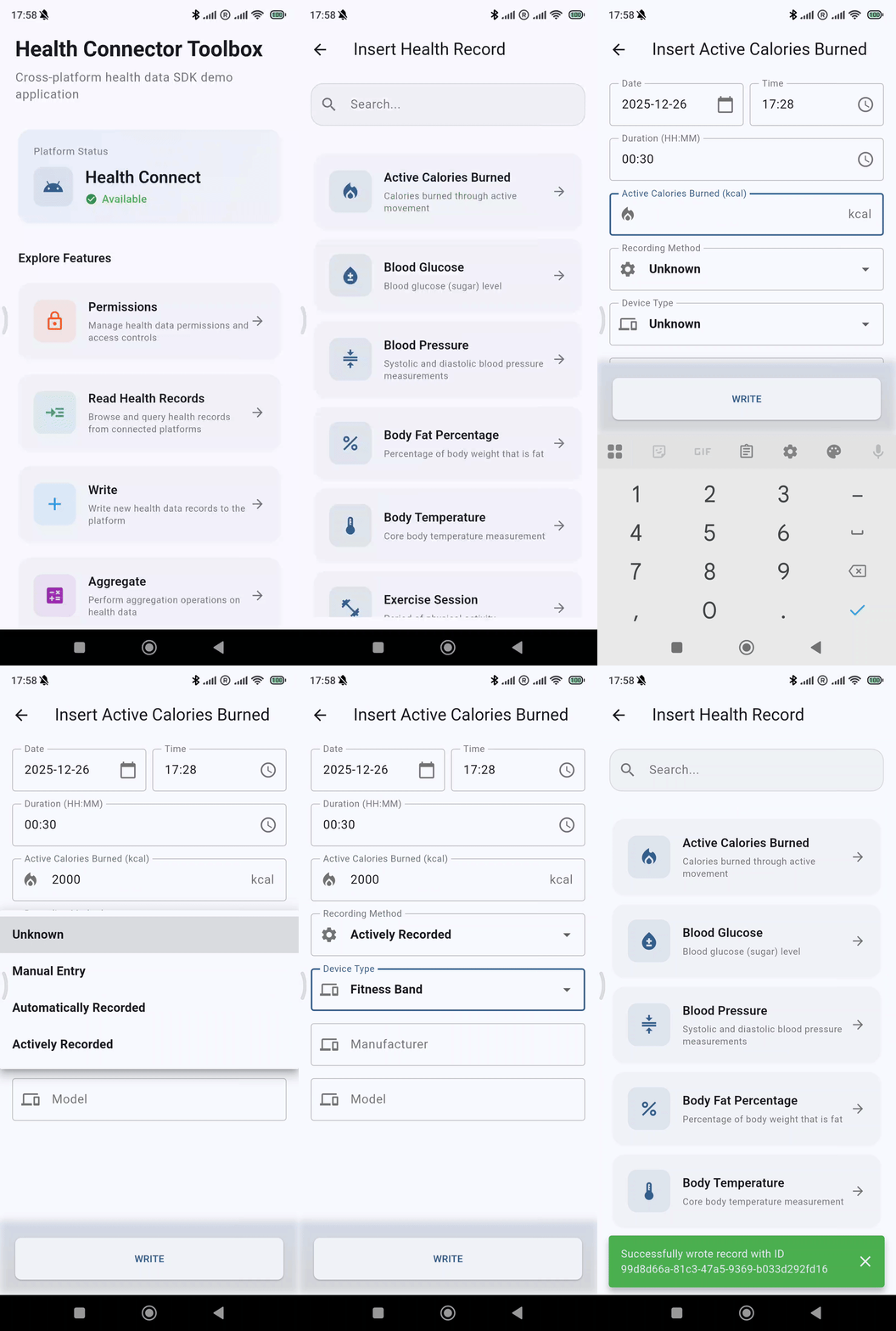
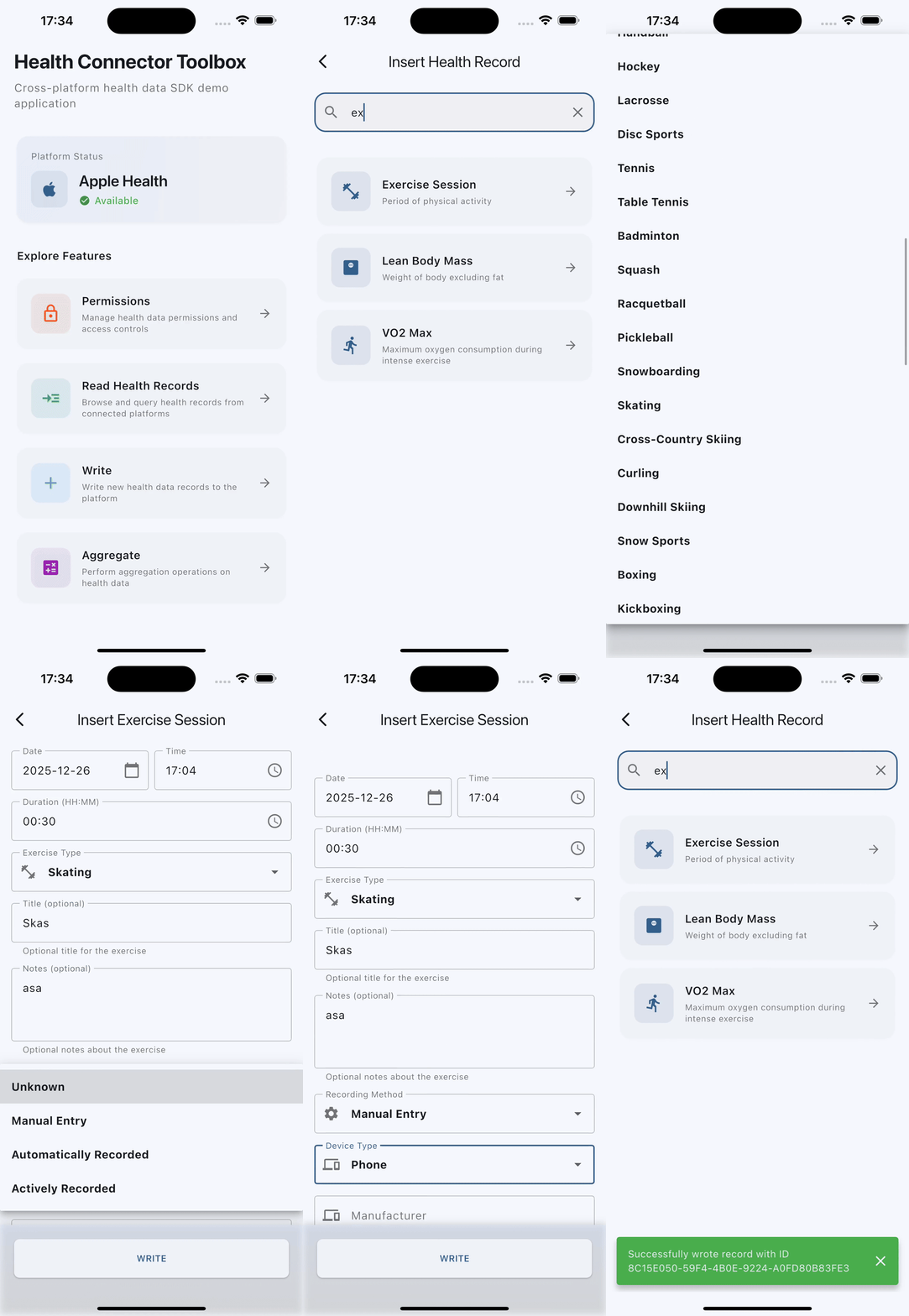
Write data
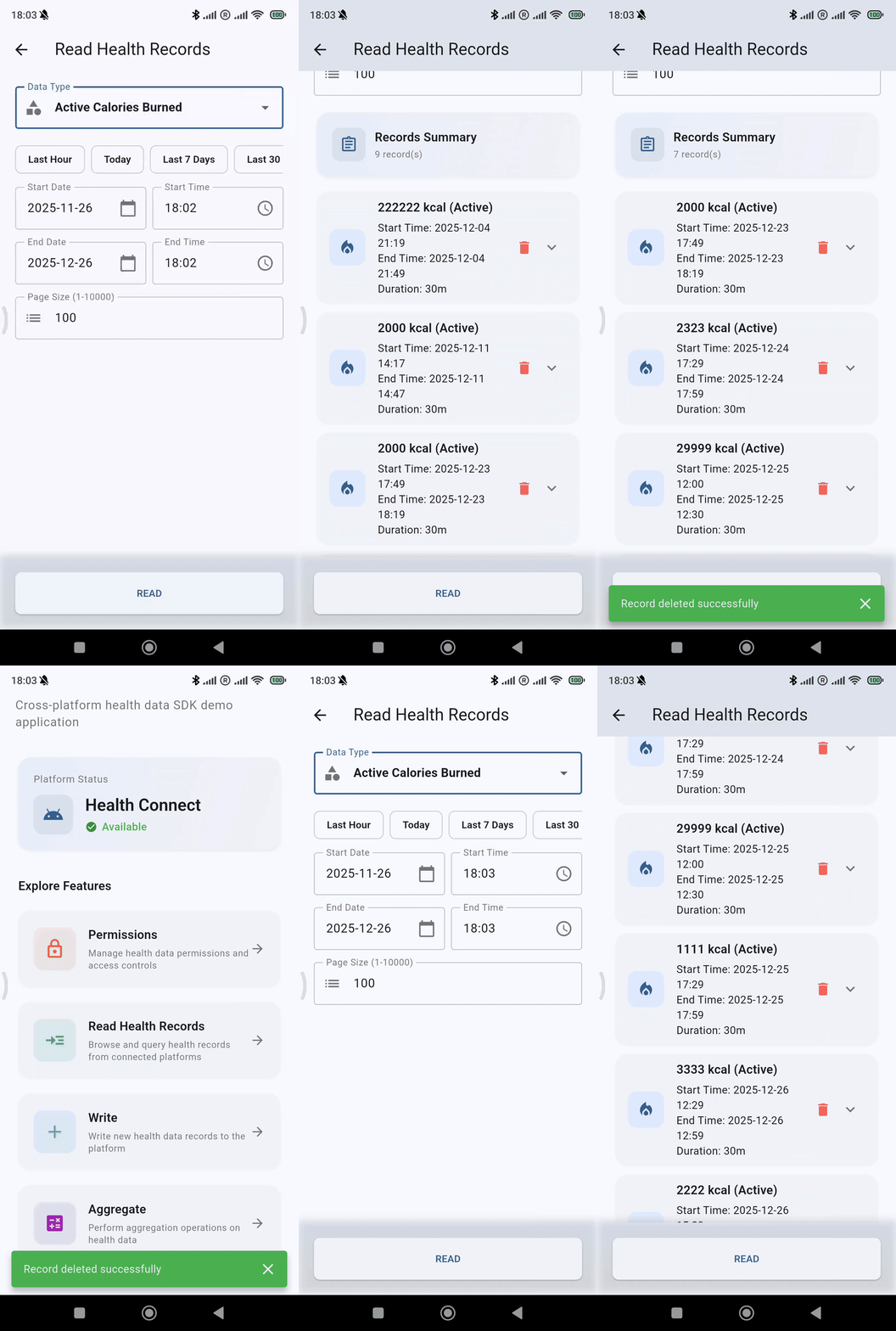
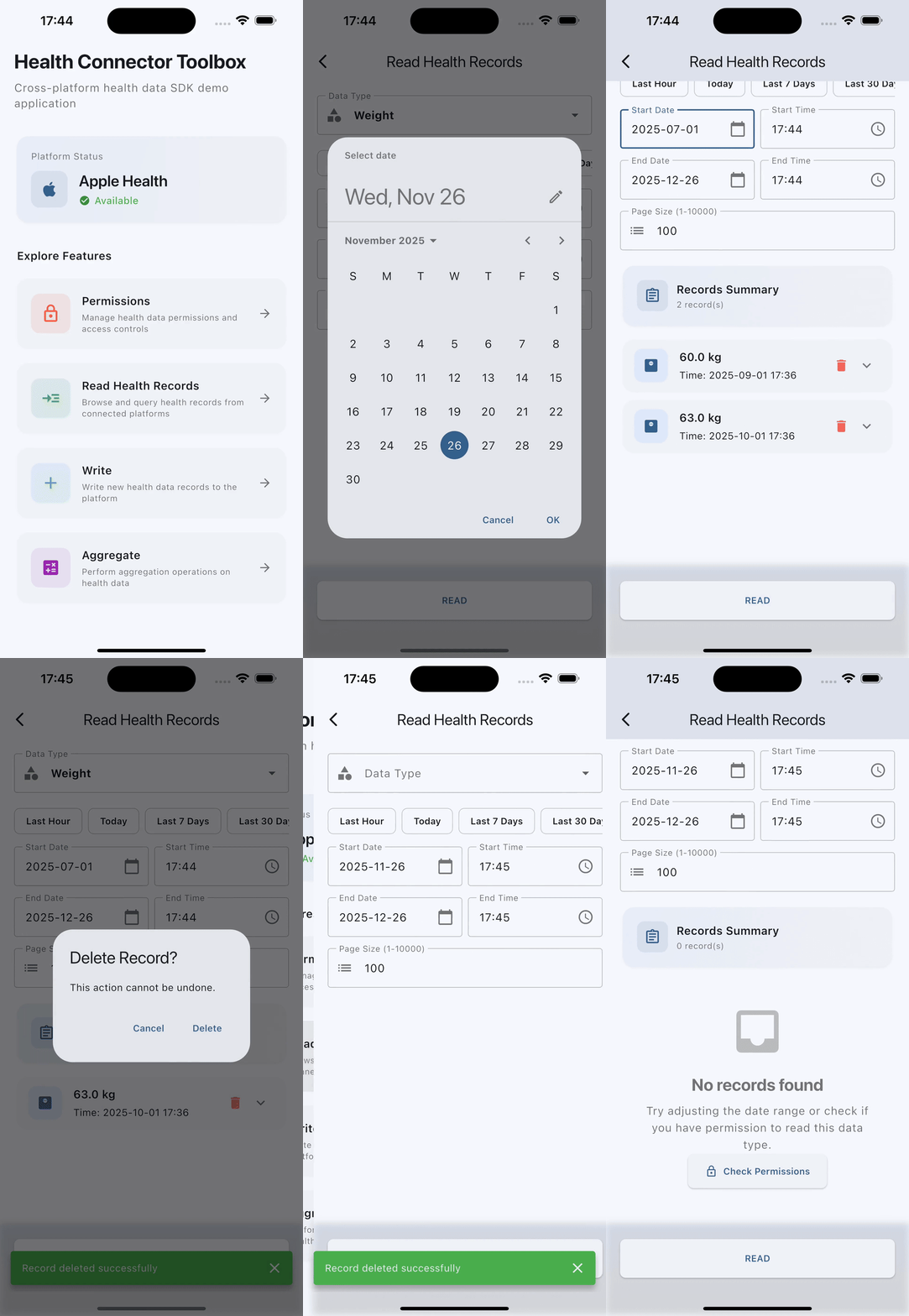
Delete data
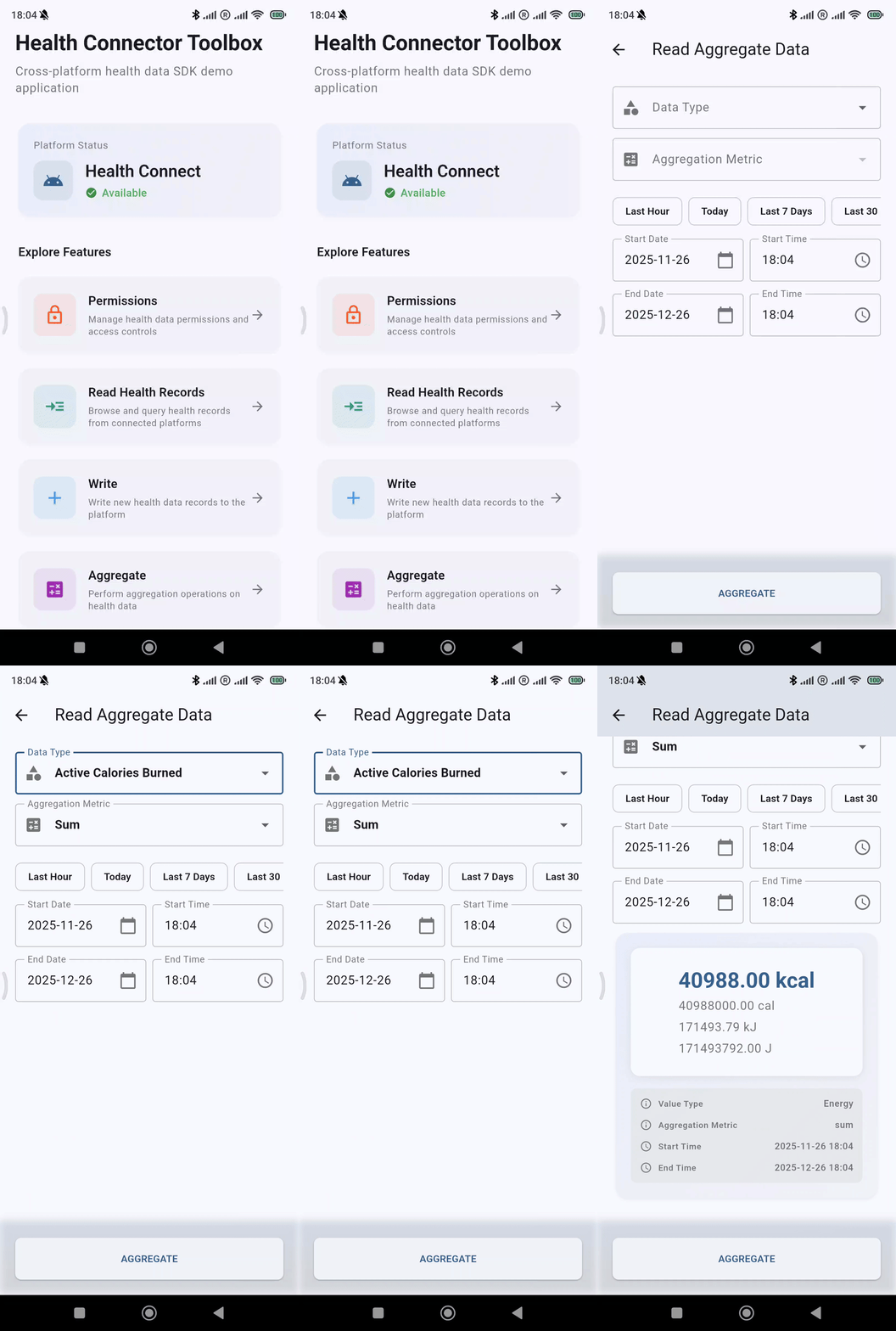
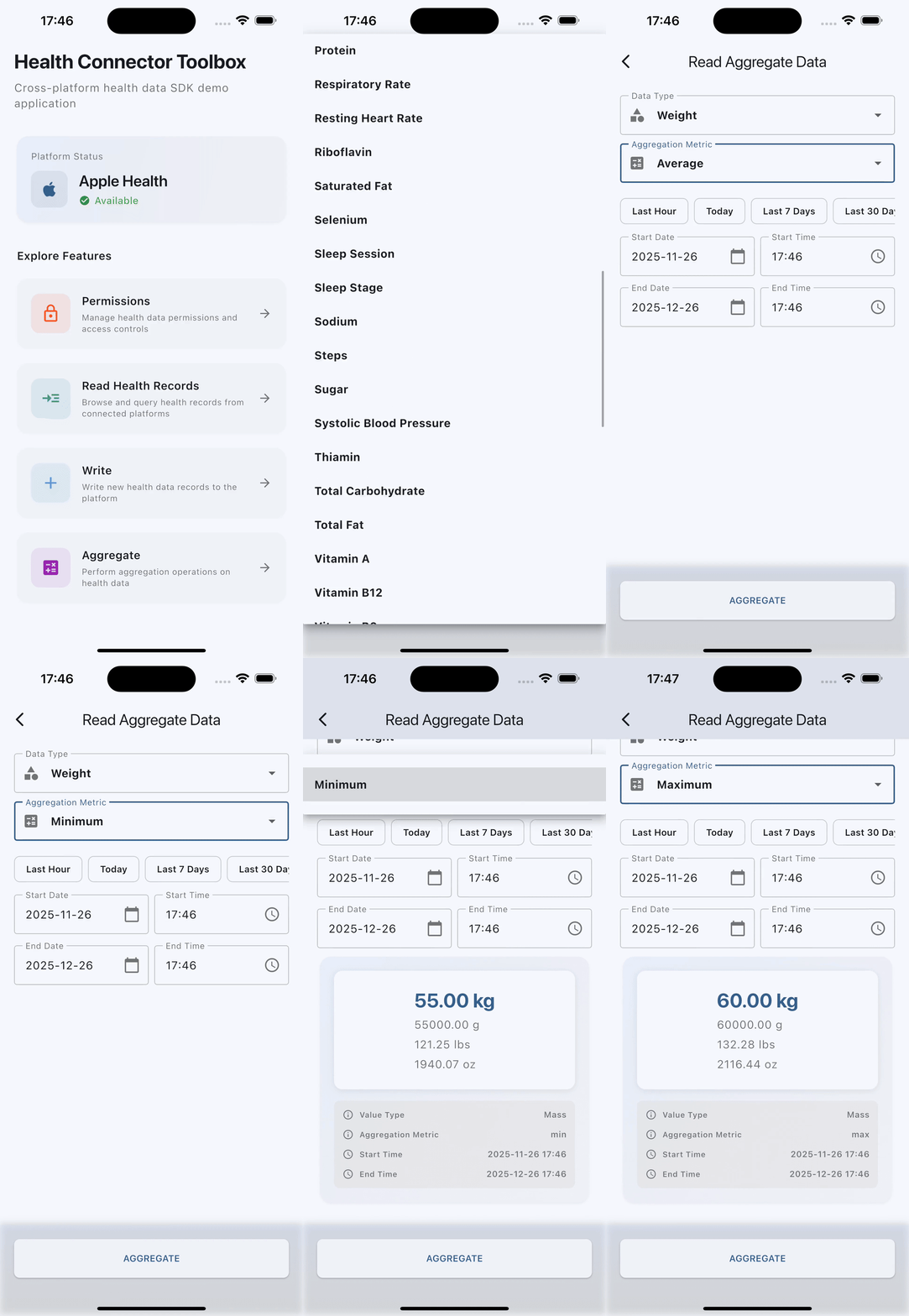
Aggregate data
Using it to debug your own app
If a flow works in the toolbox on the same device but not in your app, the difference is configuration — usually a missing <uses-permission> on Android or a missing usage description on iOS. Start with Setup troubleshooting.
If it fails in the toolbox too, that is worth reporting. Include your device, OS version, Flutter version, and the output from a PrintLogProcessor.